
- To create your Website chatbot , you first need to visit the TelaviOneChatAI Dashboard
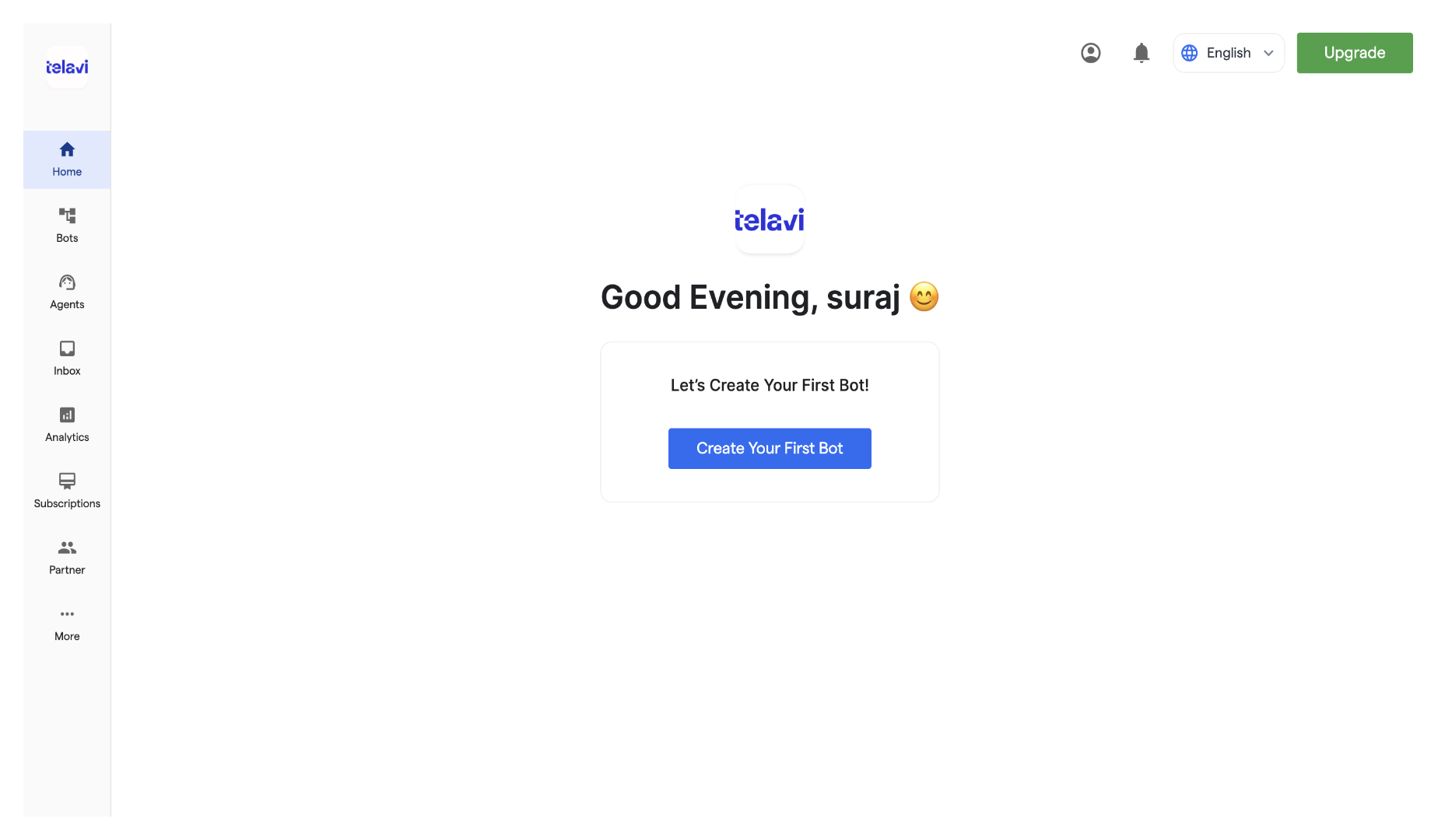
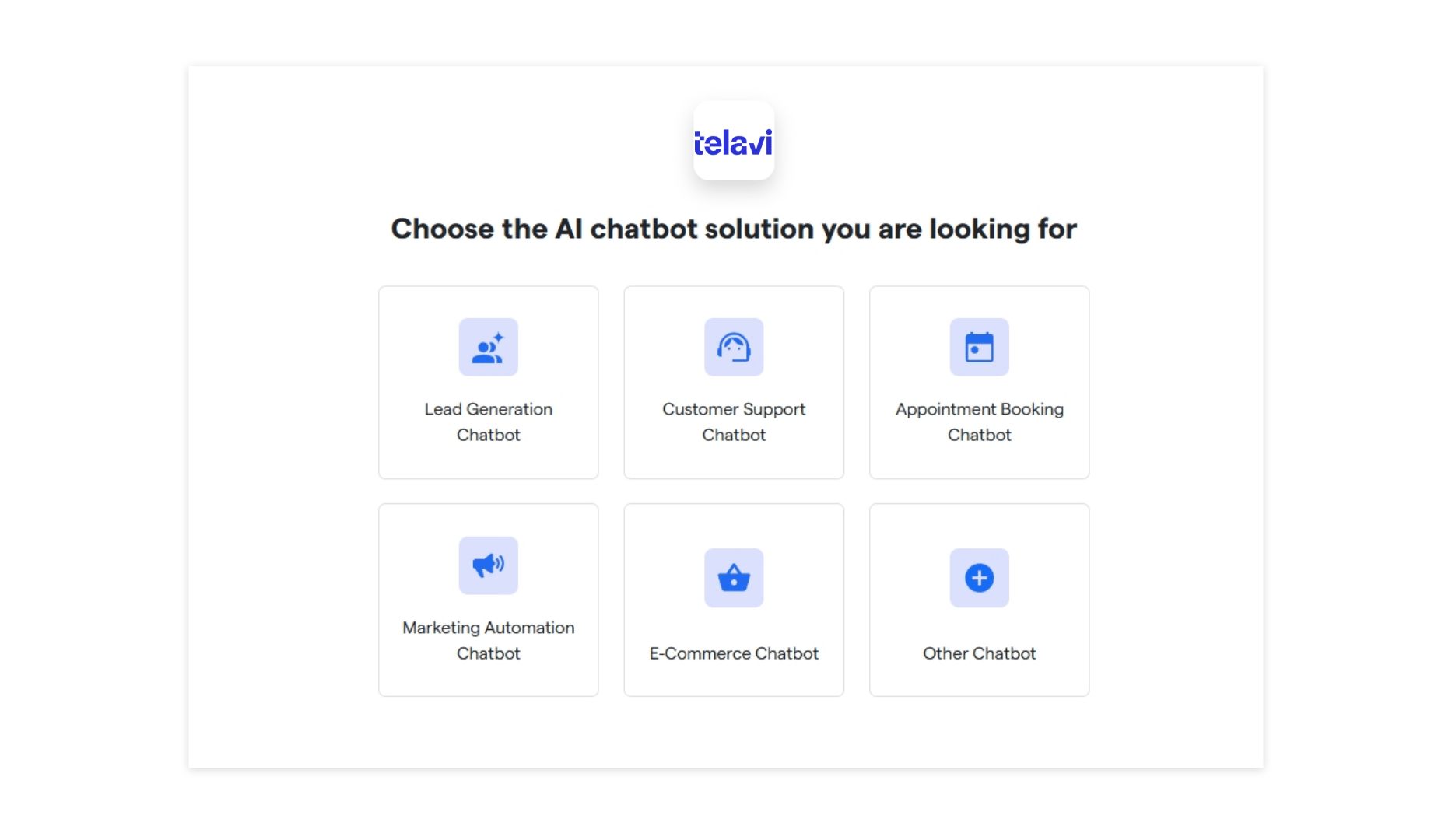
- To start creating your new chatbot, click “Create New Bot.” Select the primary purpose for creating your bot and proceed further.
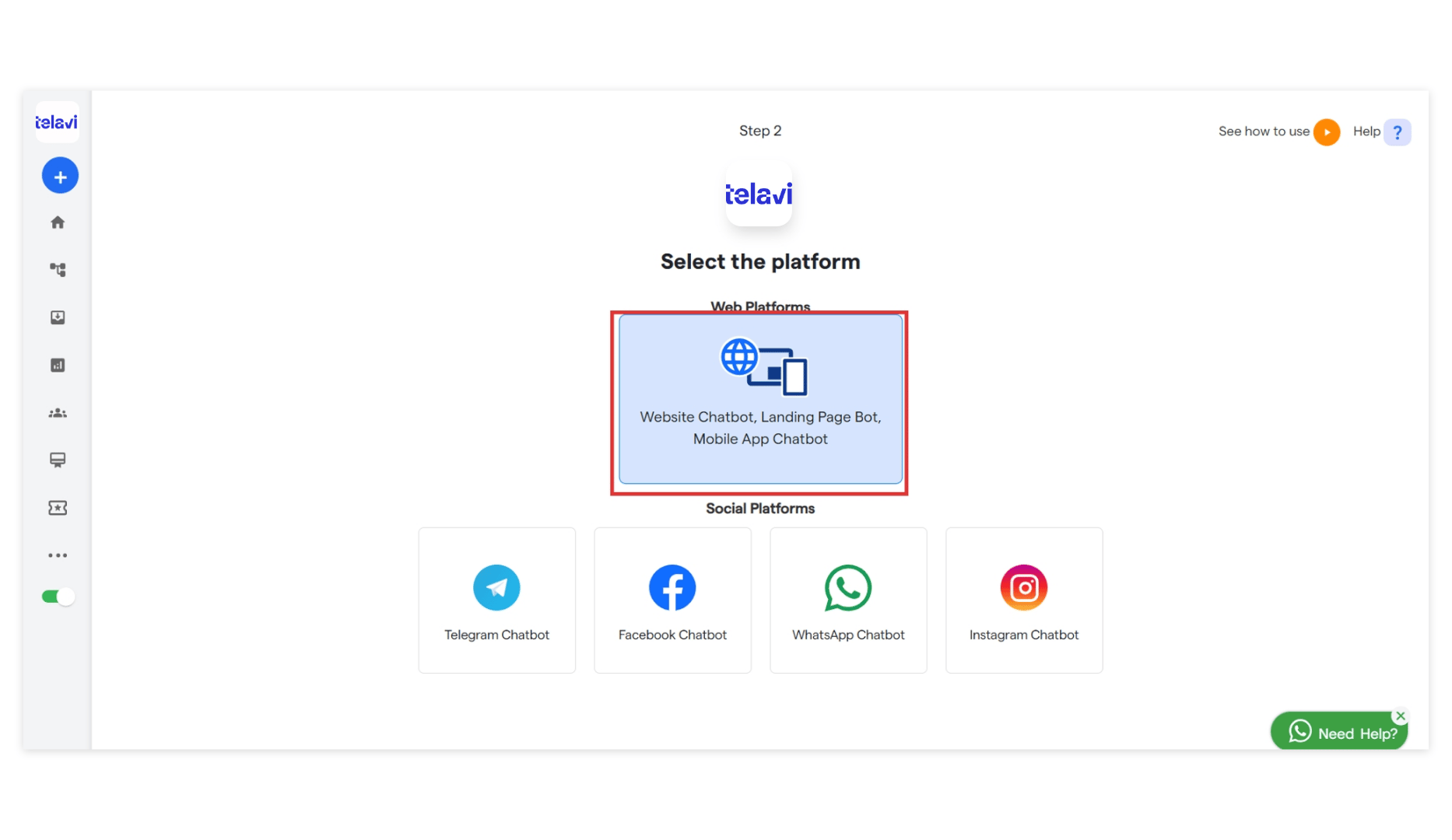
- Select the platform: “Website Chatbot”
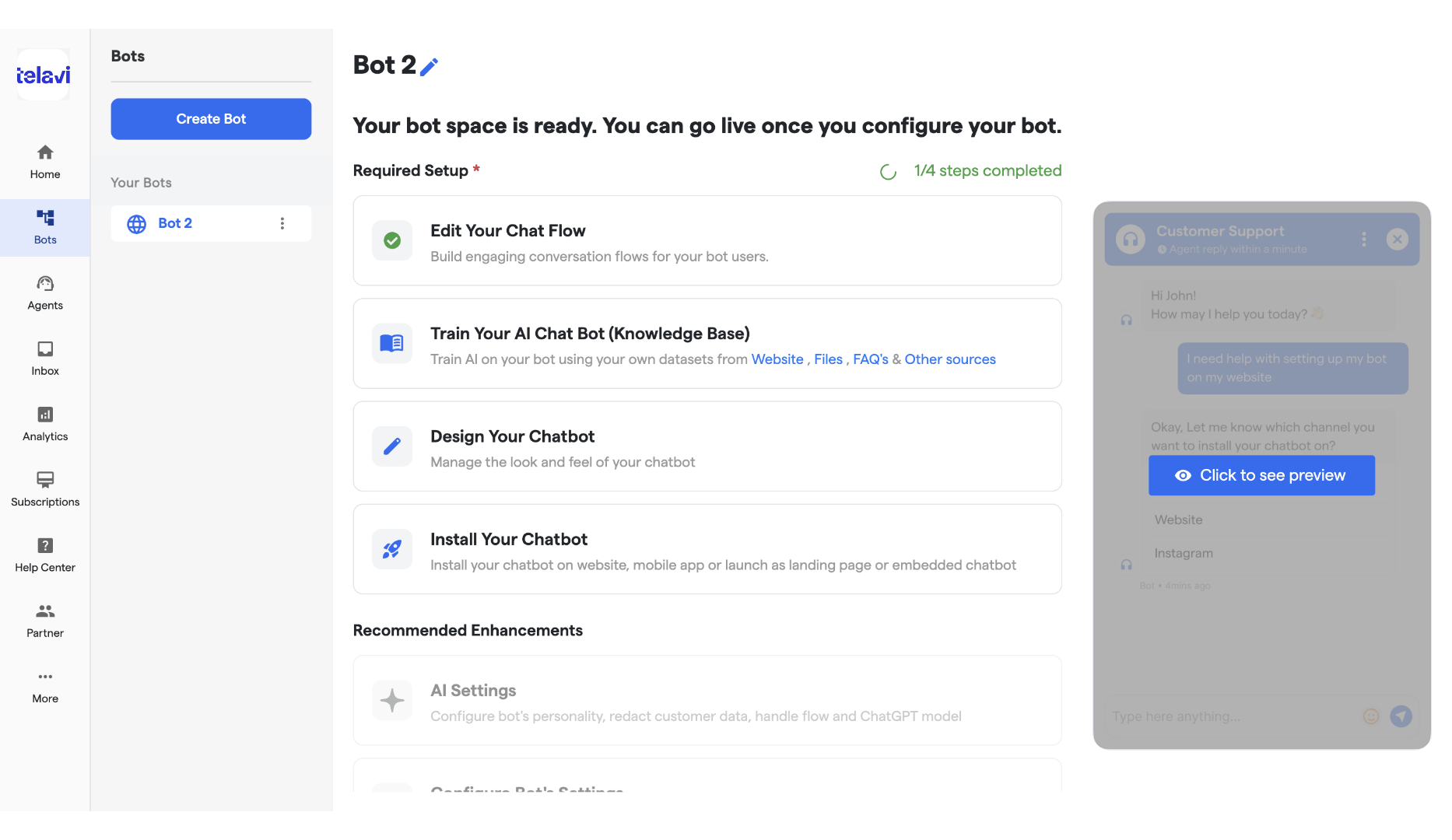
- You will see a notification: “Bot has been successfully created.” Your bot has been successfully created. Then you will land up on this page, now you can configure the below mentioned items using the below links: